 New Age Technologies
Opaque
AI photo filters, studio-grade.
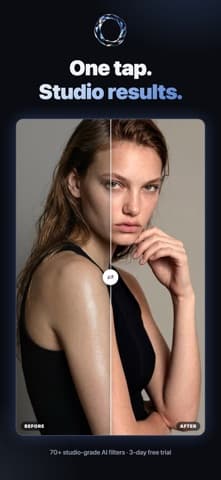
Pick a photo. Pick a look. That is the whole interface. Everything difficult about studio lighting, colour grading and retouching sits behind a single tap.
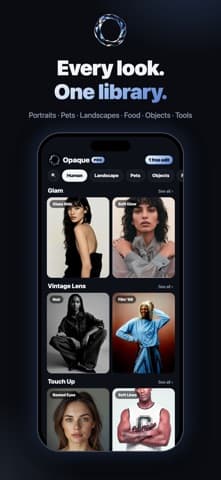
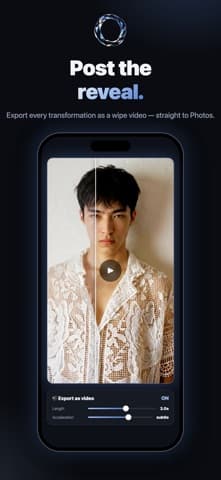
Seventy-odd looks, organised by what you shot
Portraits, pets, places, cinematic grades, studio lighting setups. They are grouped by subject rather than by technique, because you know what you photographed and you do not necessarily know that you want Rembrandt lighting.
Tools for the things a filter cannot fix
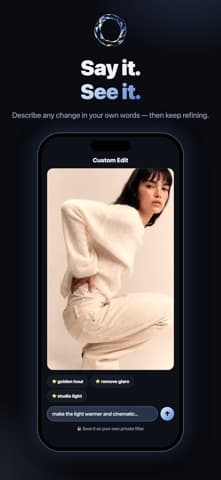
Magic Eraser takes out the person who walked into frame. Blur Lab handles depth after the fact. Custom Edit takes a written instruction when none of the presets is quite the thing you meant.
Applied to your photo, not approximated
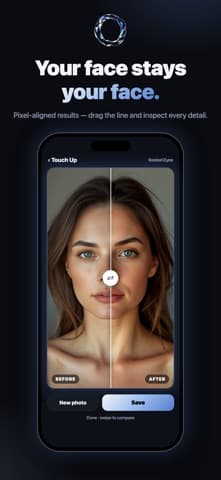
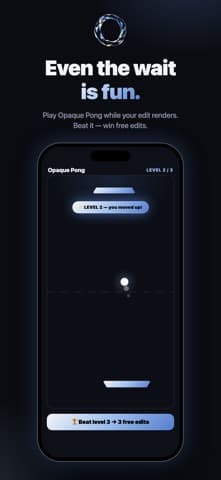
Each look is a prompt run against your actual image rather than an overlay dropped on top. That is why a portrait filter respects the face and a landscape filter respects the sky — and why it takes a few seconds rather than none.
- Platform
- iOS 17.6 or later
- Size
- 48 MB
- Price
- Free, with in-app purchases
- Version
- 1.02 · September 2026